Practical training for engineers who need to be confident on the tools.
Not just familiar — actually capable. Short, focused sessions built around real machines and real scenarios, delivered on-site, at HQ, or remotely.
What's covered
Four training tracks
PLC Foundations
Covers Siemens TIA Portal structure, program organisation blocks, data types, and safe fault-finding. Engineers leave knowing how to navigate real programs, interpret alarms, and make safe modifications under supervision.
- —TIA Portal navigation and project structure
- —OBs, FBs, FCs — what runs when and why
- —Online monitoring, forcing, and safe diagnostics
- —Alarm structure and first-response procedure
Motion & Drives
Focused on Siemens S120 and S210 drive families. Covers commissioning workflow using STARTER or TIA, parameter structure, trace-based diagnostics, and motor bringup. Includes hands-on time with the S120 demo rig.
- —Drive topology and CU/PM/Motor relationships
- —STARTER and TIA commissioning workflow
- —Trace tool: capturing faults and tuning responses
- —Safe torque off (STO) wiring and verification
FANUC Robotics
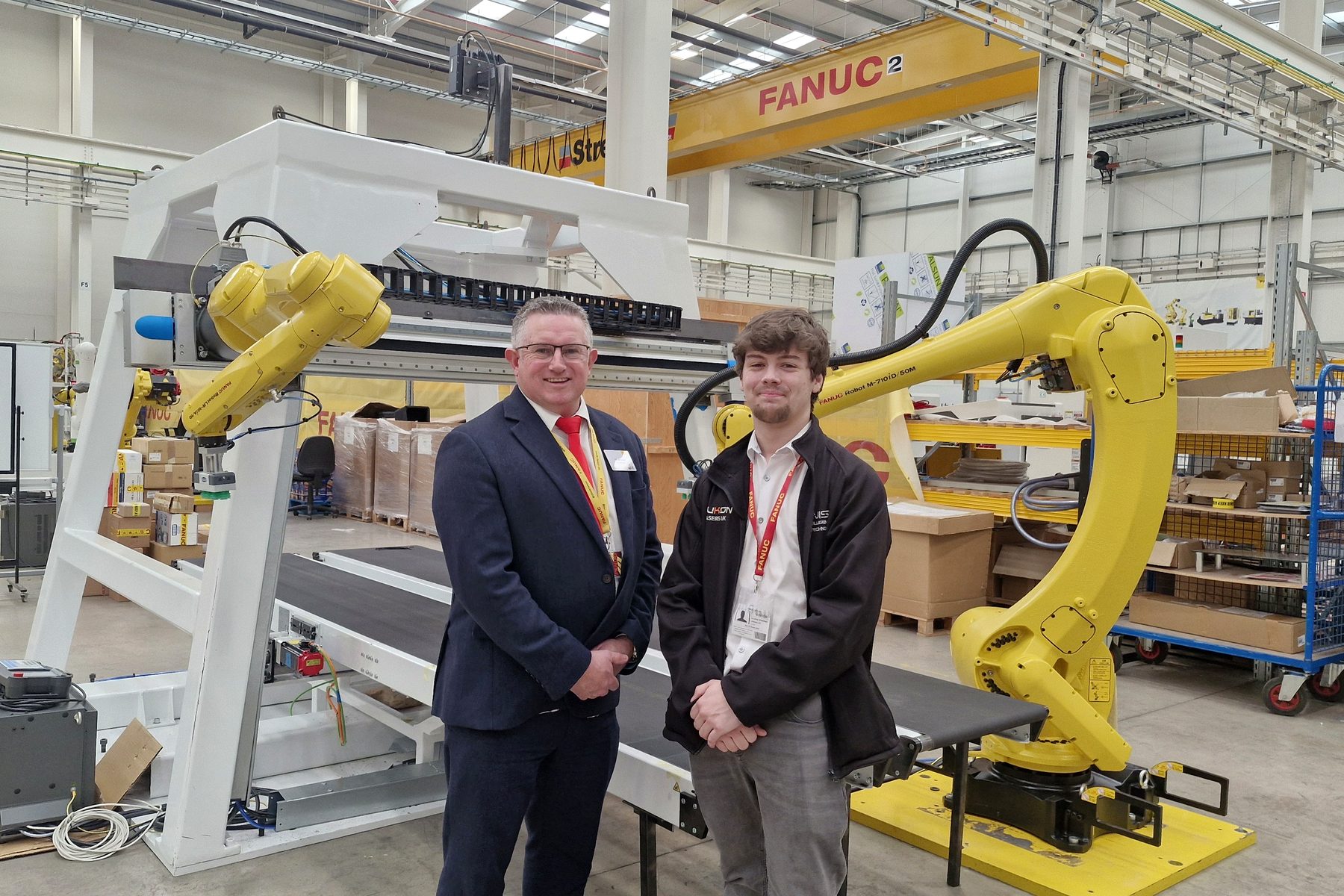
Taught on real FANUC hardware in the CNC/robot cell. Covers teach pendant operation, Karel basics, I/O configuration, and safe recovery from faults. Attendance at FANUC UK courses can be arranged for advanced delegates.
- —Teach pendant jogging and point recording
- —TP program structure, conditions, and I/O
- —Fault recovery and safe restart procedure
- —Cell integration: signals, interlocks, and handshakes
Consultancy & Code Review
For teams who already have engineers but want a second set of eyes. I'll review your existing PLC code or robot programs, identify issues, and walk through improvements with the team — so they understand the changes rather than just receiving them.
- —Code review with written findings report
- —Team walkthrough session explaining changes
- —Alarm and interlock logic audit
- —Documentation gap analysis
How it's delivered
Three formats to fit your situation
On-site training
I come to your facility. Training happens on your machines, with your real programs and your team's actual working environment. Best for maintenance teams and production staff.
Half-day, full-day, or multi-day packages. UK-wide.
HQ at Scarborough
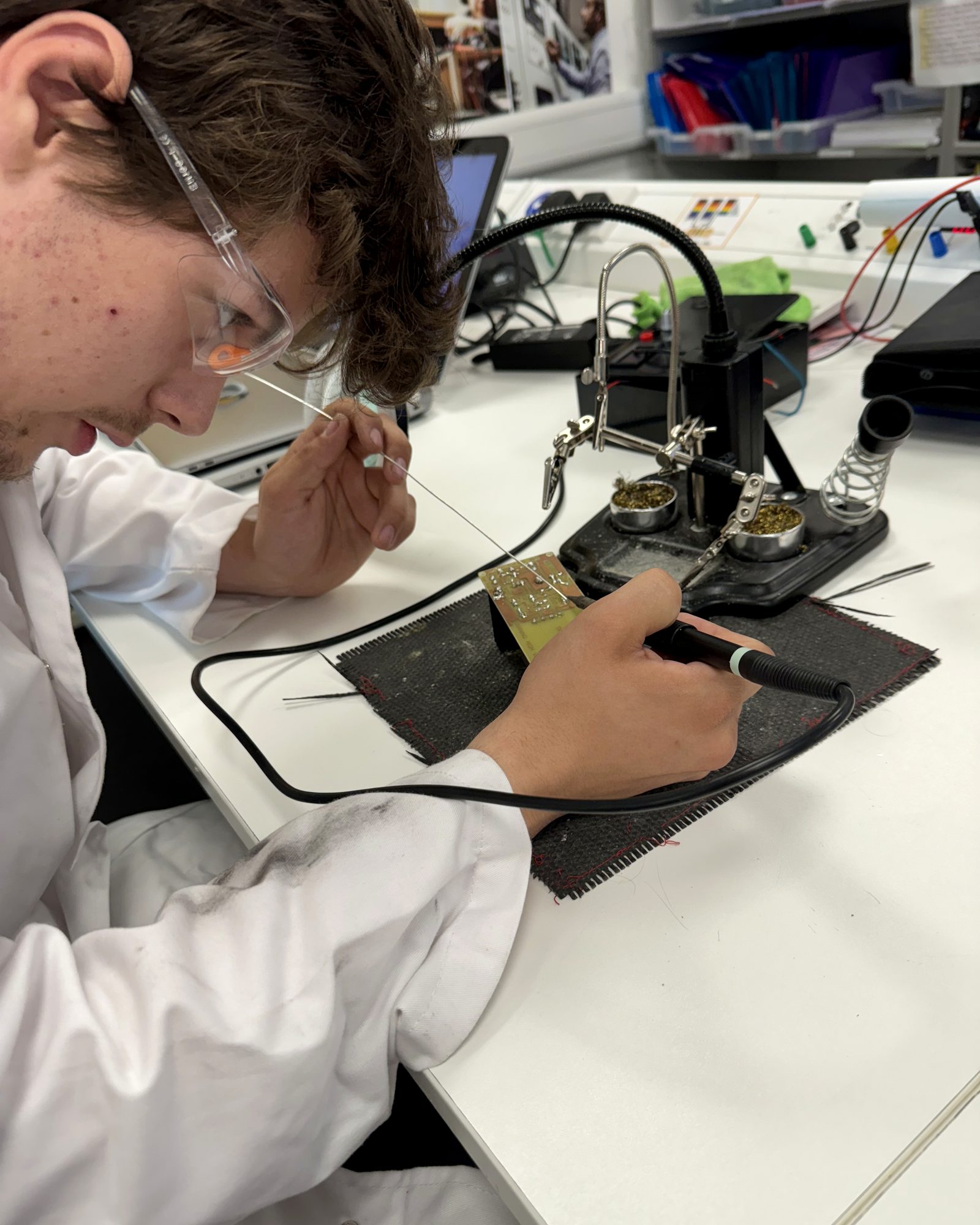
Hands-on training at my workshop using the S120 demo rig, FANUC robot cell, and test equipment. Ideal for smaller groups who want focused, distraction-free time on real hardware.
1–4 delegates. Scarborough, North Yorkshire.
Online remote
Screen-share sessions covering theory, code review, and guided exercises. Delegates use their own TIA Portal or offline robot simulator. Good for geography, tight schedules, or follow-up sessions.
Worldwide. Any time zone.
Who it's for
Tailored to your team's level
Maintenance engineers
Engineers responsible for keeping machines running who need to confidently fault-find, safely modify, and understand what the code is doing — without needing to be the original programmer.
New starters & apprentices
Early-career engineers who want to get up to speed quickly on industrial PLC and motion platforms. Focused, practical, no fluff.
OEM & machine builder teams
Teams building machines who want to improve code quality, documentation standards, and commissioning consistency across the team.
Automation leads
Senior engineers who want a code review and second opinion on architecture, safety logic, or naming conventions before sign-off or handover.
"George explained things in a way that actually stuck — the team went from nervous to confident on the S120 in under a week. The hands-on time with the demo rig made the difference."
Ready to book a session?
Tell me your team size, current skill level, and what you need them to be able to do. I'll suggest the right format and duration.