George Pickering
Controls • Motion • Robotics • Stage engineering
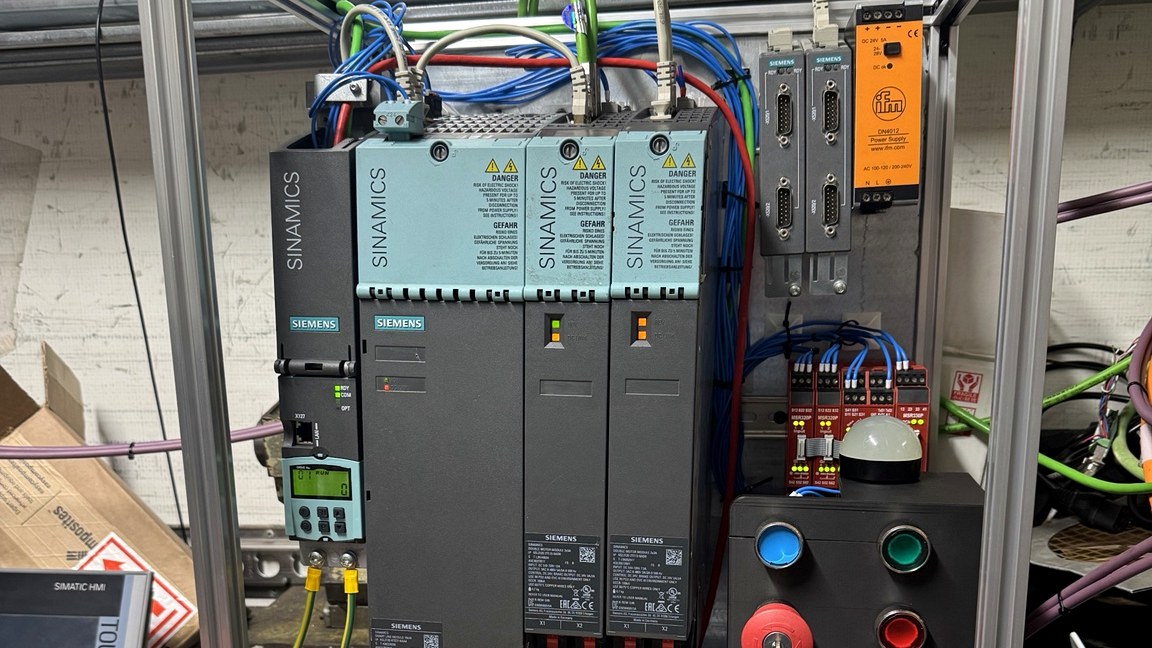
Siemens demo case IO rack
Case Study • Demo Cases • Scarborough, UK • Worldwide

Training rigs built to teach real commissioning behaviour.

These portable demo cases exist to compress the right habits into a repeatable environment: safe bring-up, IO proving, motion basics, alarms, diagnostics and handover discipline without the time pressure and risk of a live customer site.

Main purpose Teach bring-up, diagnostics and recovery workflow in a repeatable hands-on environment.
Best use Student training, development trials and confidence building before live machines.
Key value Repeatable faults, visible machine states and structured proof of what was tested.
Transferable outcome Habits that carry back to real Siemens, robot and wider integration work immediately.

What these rigs actually teach

The value is not a lab-style demonstration. The value is teaching the sequence engineers need when something real has to be powered, proved, moved, diagnosed and handed over properly.

Siemens S120 demo case overview
Siemens S120 motion demo case

A portable motion and controls platform that behaves like a real job.

The S120 demo case is built to teach commissioning, motion structure, IO and Comfort HMI logging in a way that maps cleanly to real Siemens work. It is not a toy exercise. The platform is structured around supportability, visible machine states and a repeatable bring-up workflow.

That makes it useful both as a teaching platform and as a development environment for testing ideas before they reach production equipment.

S7-1500 tech class
KTP400 Comfort
SINAMICS S120
2–4 axes

Core stack

  • PLC: S7-1500 Technology CPU class or ET200SP Technology equivalent
  • HMI: KTP400 Comfort
  • Drives: SINAMICS S120
  • Axes: 2 axes standard, expandable to 4 depending on scope

Safety and delivery variants

The rig can be delivered as a standard non-F CPU with external safety hardware, or as a failsafe variant where the training scope requires it. The key teaching point remains the same: permissives, enable chains, safe readiness and recovery behaviour.

Example modules

  • IO checkout and device validation before motion
  • Drive readiness, enable chain and fault-state awareness
  • Technology object structure and practical motion bring-up
  • Alarm design with clear cause and recovery wording
  • Logging of analogue and state data as commissioning evidence

Where it helps most

It is strongest where students need a repeatable path through motion commissioning without live-site pressure, or where teams want a safer environment for developing and testing approach before touching production equipment.

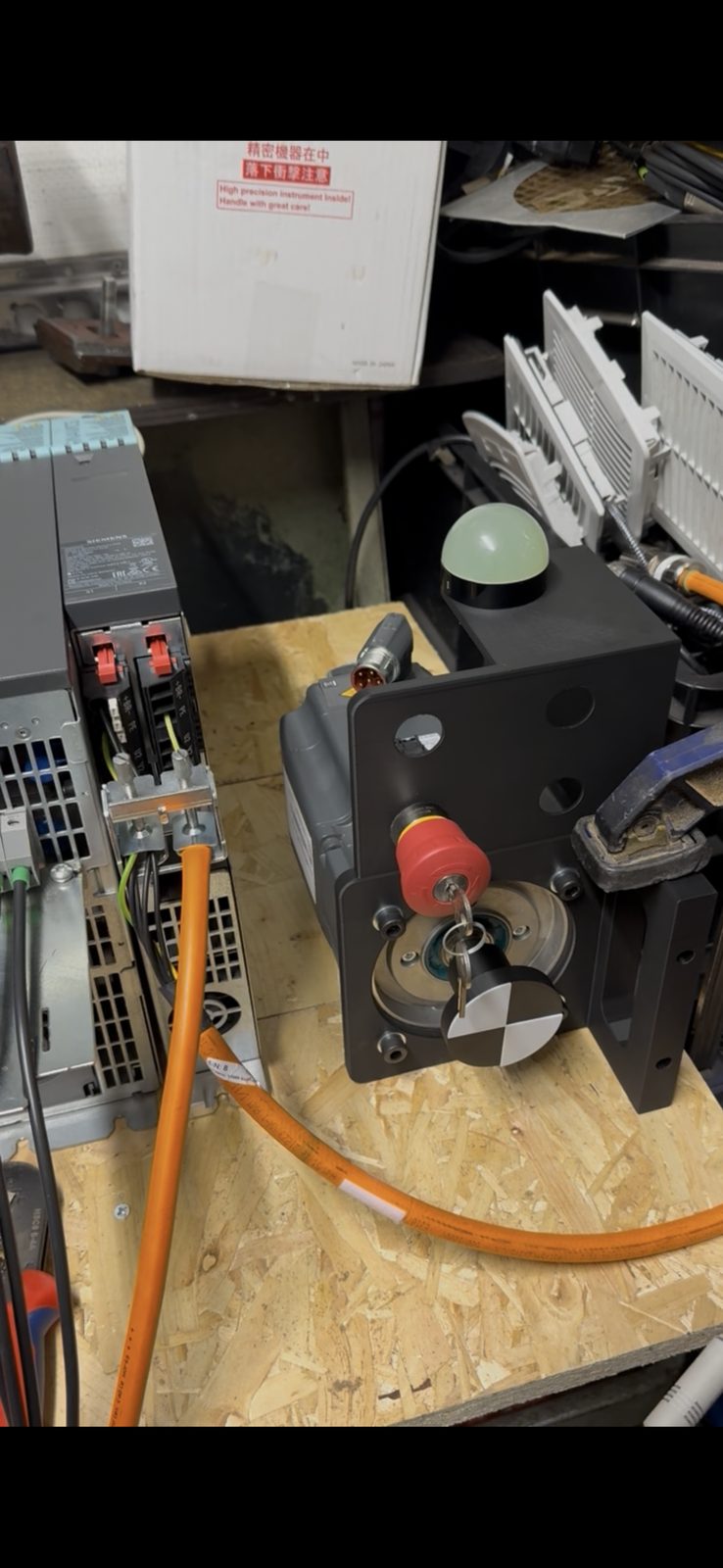
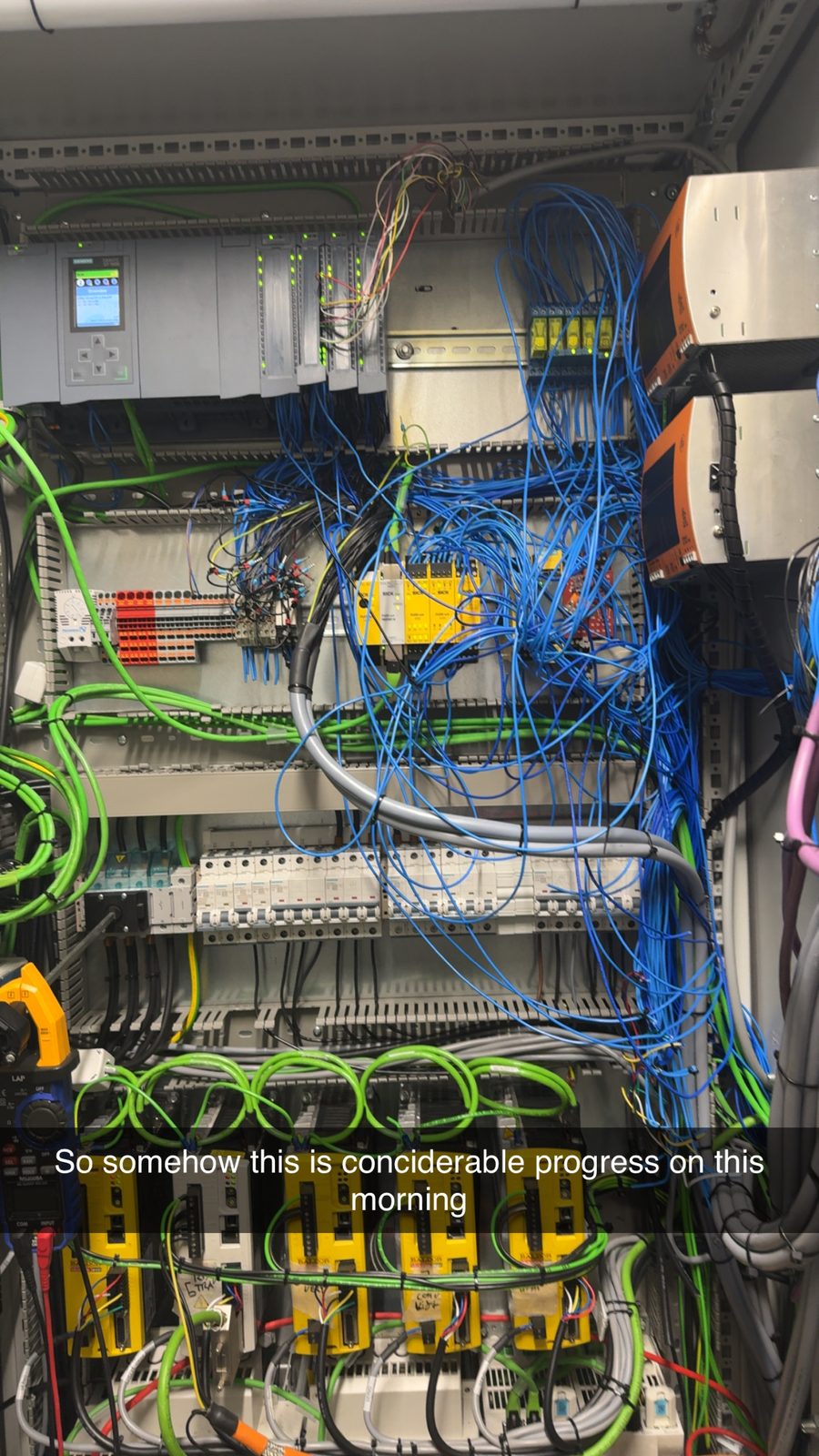
S120 rig overview ET200SP IO rack detail S120 panel build S120 rig bench development
Robot training and integration

Safe states, clean handshakes and practical commissioning habits.

Robot training is built around the same principle: teach the structure that survives on live equipment. That means readiness, hold, abort, recovery, IO and handshake behaviour, not just how to make something move.

FANUC Handling, ARC and RoboGuide workflows are covered, with related integration logic and, where required, EtherCAT-based motion concepts that connect robot work back to the wider cell.

FANUC Handling
ARC
RoboGuide
Cell handshakes
Programming and commissioning a FANUC robot

What students learn

  • Safe bring-up and recovery states
  • IO mapping and handshake design
  • Common commissioning failures and isolation method
  • RoboGuide workflow for reducing risk before site work
  • Practical integration thinking around the full cell

Why it matters

The aim is to make robot training useful to the wider cell, not isolate it from the rest of the automation. That means teaching what the robot has to do within the full engineering context.

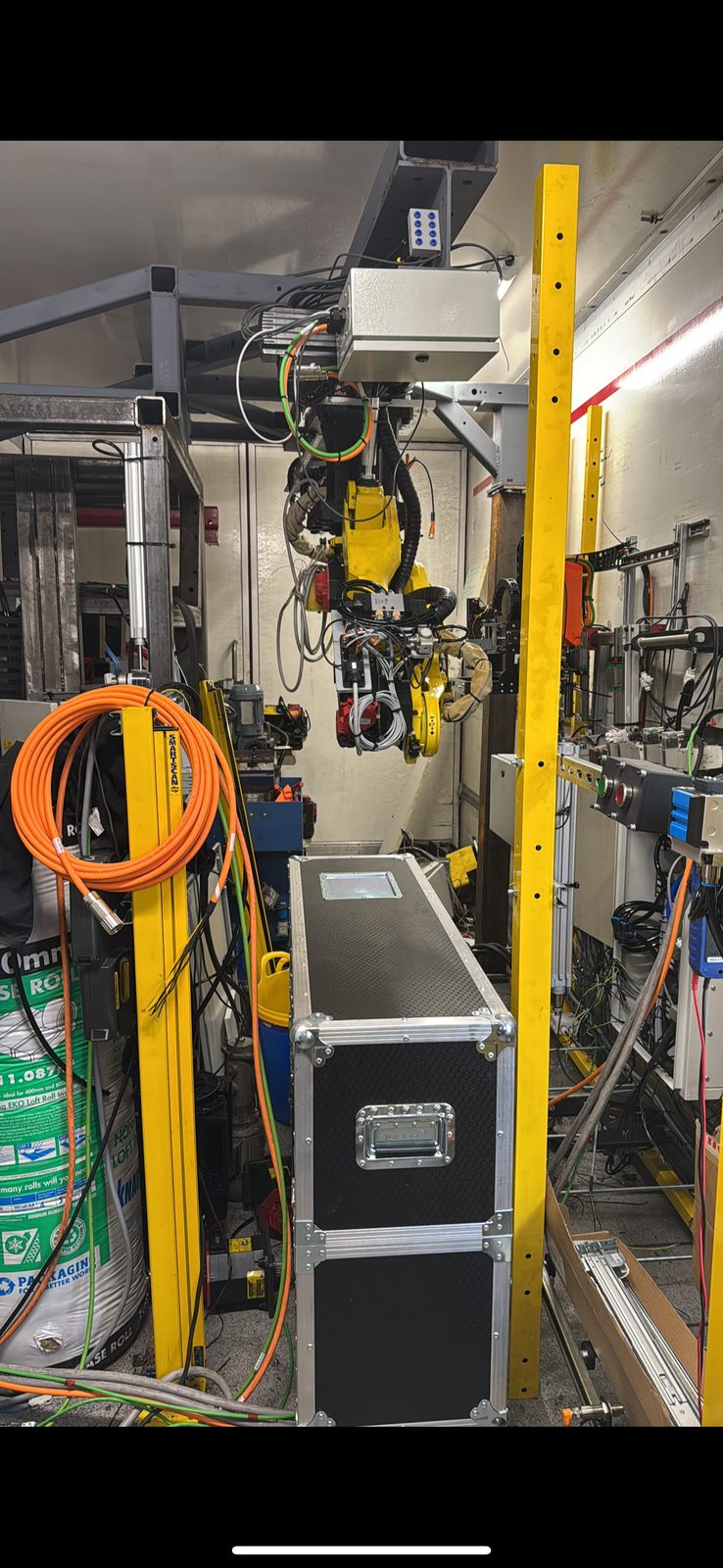
Programming a FANUC robot Robot simulation environment FANUC CNC cell environment Cell simulation and layout planning

Other training areas available

Training can also be delivered for Siemens PLC, HMI and IO, Siemens motion including S120, Yaskawa handling robots, and broader automation and integration. Use the training page to choose format and delivery style.

Training hardware and demo case
Delivery formats

Training that fits the team, the site and the level of hands-on work required.

Delivery is built around practical exercises so students leave able to commission, diagnose and document work more effectively rather than simply recognising interface screens.

On-site

Best when training needs to align closely with real equipment, real constraints and live project context.

At my site

Controlled environment using demo cases. Best for focused learning without production interruption.

Online

Structured 4–6 hour sessions focused on workflow, diagnostics and design decisions.

Group size

Groups are kept small so the practical element stays useful. Typical delivery is up to 4 students per demo case, with in-person sessions usually running as a full day and online sessions typically 4–6 hours.

Enquiries

Send the stack, the current skill gap and the outcome you want.

The best first brief includes the PLC, HMI, drive or robot stack, what the team currently struggles with, whether you want demo-case training or live-machine context, and any safety or access constraints that shape delivery.

Training hardware and demo case